How to turn handwritten notes into a clean list
Photograph the page, run one prompt, and fix the lines the model misread. Leave with a list you can act on today.
Hristo Stefanov · Wildwood, New Jersey · Oct 19, 2026 · 2 min · AI Tools
Photograph the page, not the desk
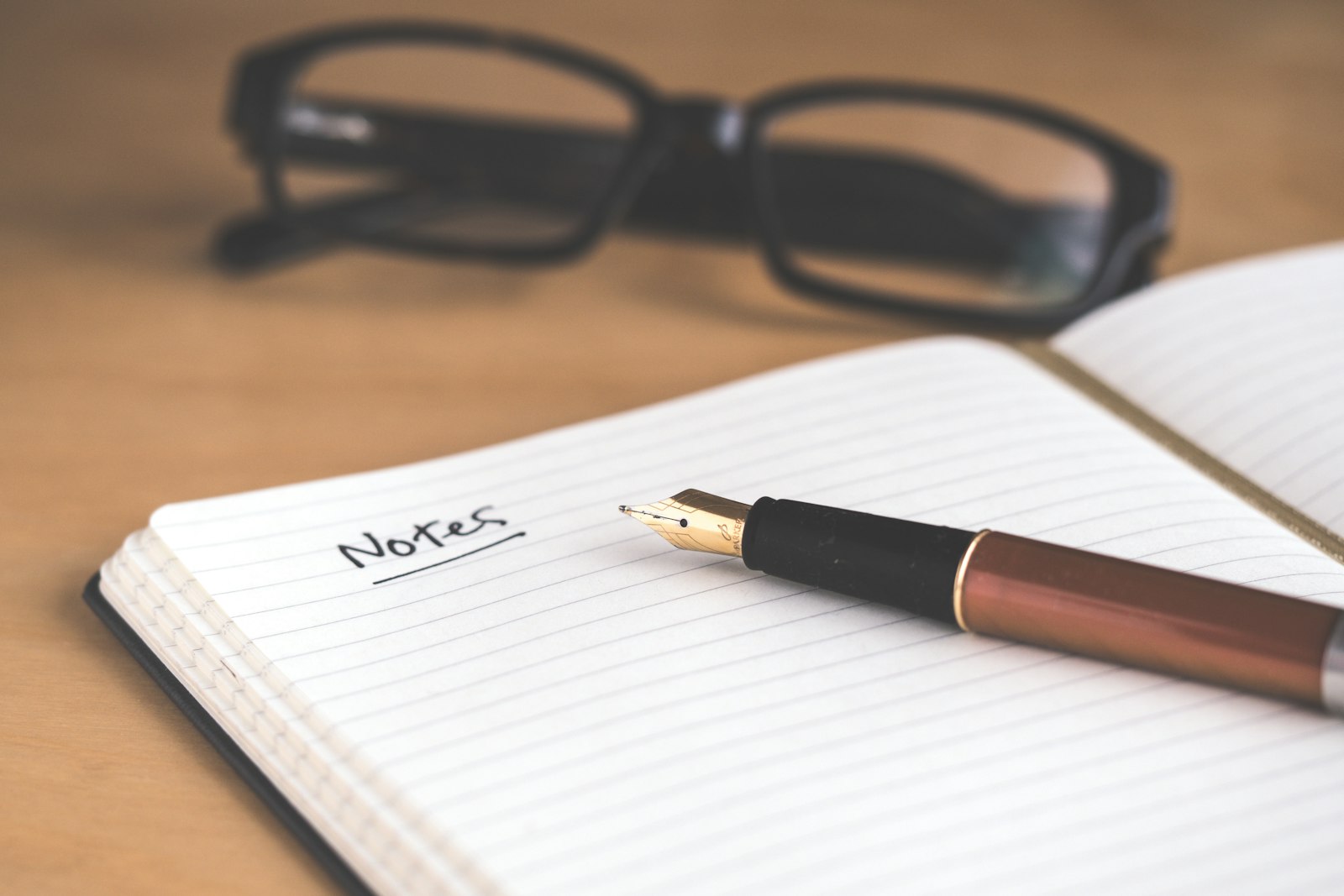
One page, one photo. Fill the frame with the writing. If the notes span two pages, take two photos. Glare and a second sheet in the corner are how a model invents a task.
Use the camera already on the phone. Check that you can read the last line. If you cannot, the model cannot. Retake it. Do not type the notes first — the point is the photo.
One prompt, then stop
Open a free chat tool that accepts an image. Attach the photo. Paste this and do not add a second instruction:
- “Turn this handwritten page into a clean list. One line per item. Keep my words. Do not merge two lines.”
- “If a word is unreadable, write [unclear] and the letters you can see. Do not guess the task.”
- “Do not add supplies, times, or owners I did not write.”
- “Under 25 lines. If the page is a receipt or a doodle, say so and stop.”
Fix the misreads by hand
Hold the paper next to the screen. Check three things: a line that was not on the page, a [unclear] you can now read, and two lines that were one job. Change those. Leave the rest.
Copy the fixed list into the notes app, with a box you can tap. Name the note with the date and where the paper came from. Throw the photo out of the camera roll if you do not need it.
Use it today, or it was a demo
Mark the items you can finish this afternoon. The rest get a date or they leave the list. A list the model wrote and you never checked is the same as the paper in the bag.
If the page was a work list with names and dates, run the voice-memo prompt on the typed lines instead of asking for a nicer version. Owners and dates were already the job.
How do I turn handwritten notes into a clean list with free AI?
Photograph the page, run one prompt that keeps your words, and fix any line the model marked unclear or invented.